
Image Optimization
Audit images for size, format and alt text.
Find oversized images, missing alt text and legacy formats that slow pages and hurt accessibility.
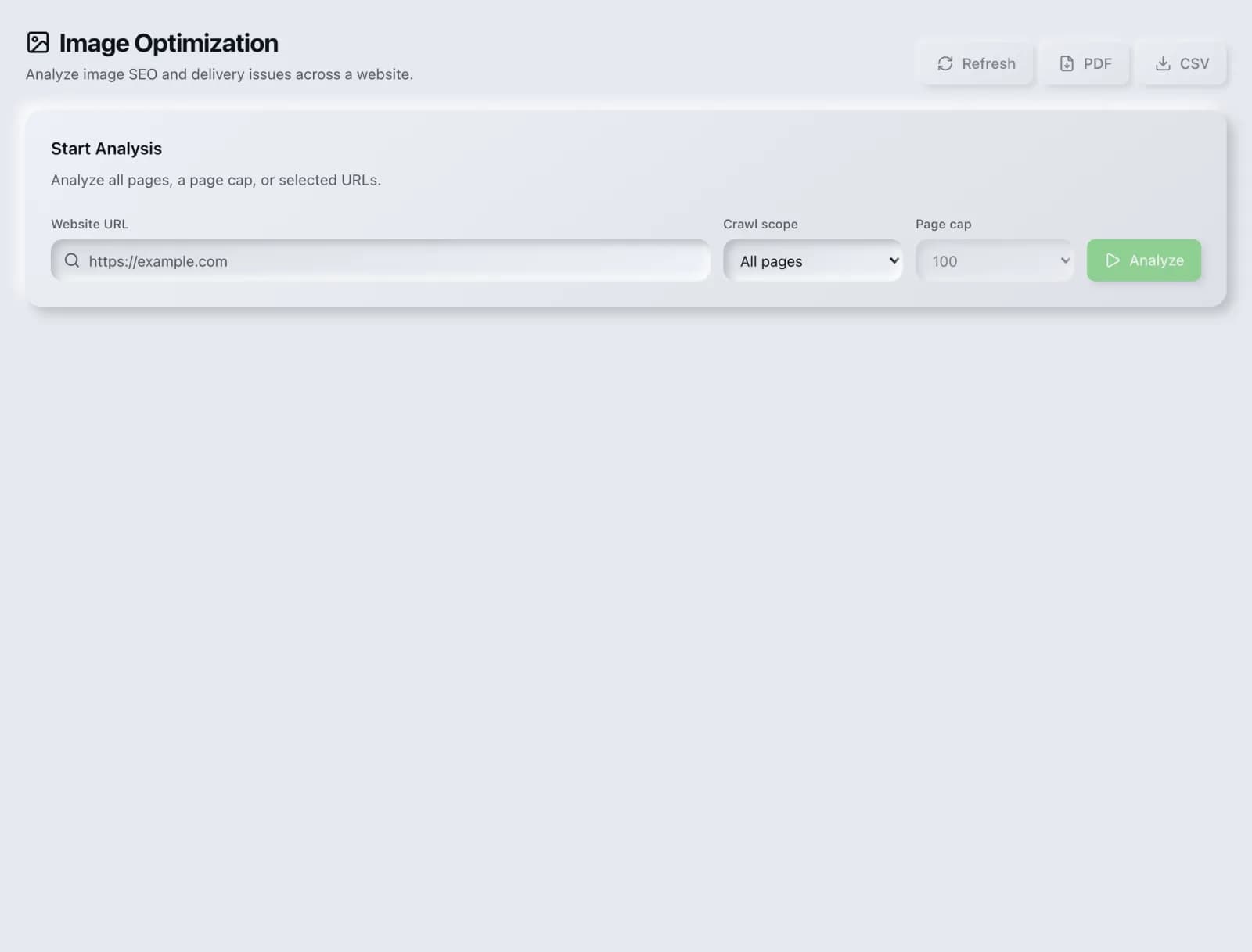
What you get
Everything Image Optimization delivers, out of the box.
Size & format audit
Missing alt text
Next-gen format tips
Free to run
How it works
From input to insight in three steps.
Enter your URL or keyword
Point Image Optimization at any page, domain or search term, yours or a competitor's.
SEO Roger analyzes it
We run the analysis with our on-page analyzer in seconds.
Get a prioritized report
Read a clear, ranked breakdown of exactly what to do next.
Related tools
More from Content & On-Page.
What is Image Optimization?
Image Optimization audits the images on a page for the problems that slow it down and make it less accessible: oversized files, legacy formats, missing alternative text, absent width and height attributes, and images loaded eagerly that should be deferred. It is free on every plan.
How to use Image Optimization
From signup to shipped fix, this is the whole loop.
- 1Create a free accountSign up in under a minute. No credit card is required, and your first site scan works without an account at all.
- 2Point Image Optimization at your siteEnter the URL or domain you want to analyze. You can run it on your own site or on a competitor's.
- 3Let it pull the live dataImage Optimization fetches the current state of the page or domain and runs its checks. Most runs finish in seconds.
- 4Read the ranked findingsResults come back ordered by impact rather than by count, so the issue costing you the most traffic is at the top, not buried under cosmetic warnings.
- 5Ship the fix, then re-runApply the recommended change, or let Roger AI draft it for you, then run the tool again to confirm the issue is resolved and track the improvement.
Why Image Optimization matters
Images are usually the largest thing on a page by size and the most common reason it loads slowly. They are also the most common accessibility failure, because alt text is easy to skip and nothing breaks when you do. Both problems are cheap to fix once found and invisible until someone looks.
Search is no longer only Google. ChatGPT, Google AI Overviews, Perplexity, Gemini and Claude answer a growing share of queries by reading the same pages crawlers do, then citing a handful of sources. SEO Roger keeps both audiences in view: the classic SERP and the AI answer, from one workspace.
Who it's for
- In-house SEOs who need on-page content and metadata without stitching three tools together
- Agencies and consultants producing client-ready findings, fast
- Founders and marketers who want the fix, not just the metric
Image Optimization in depth
Format choice is the biggest single win
Modern formats such as WebP and AVIF typically deliver the same visual quality at a fraction of the file size of JPEG or PNG. Converting a page's images is often the difference between a poor and a good Largest Contentful Paint score, and it requires no design change at all. It is the highest-return image work available and the most frequently postponed.
Dimensions prevent layout shift
An image without width and height attributes has no reserved space, so the page reflows when it arrives, pushing content down as the reader is trying to read or tap it. This is the most common cause of poor Cumulative Layout Shift scores. Setting explicit dimensions, or an aspect ratio in CSS, fixes it completely and costs nothing.
Alt text, written properly
Alt text describes what the image conveys to someone who cannot see it, and it is also what image search reads. Good alt text is a plain description of the content. Bad alt text is a list of keywords, which helps nobody and reads as spam. Purely decorative images should carry an empty alt attribute rather than no attribute, which tells a screen reader to skip them instead of guessing at the filename.
Lazy loading, with one exception
Deferring offscreen images until they are needed is straightforwardly good and now supported natively. The exception matters: never lazy-load the main image at the top of the page. That image is usually your Largest Contentful Paint element, and deferring it delays the exact thing the metric measures, making your score worse while appearing to be an optimization.
Image Optimization questions, answered
Does it cost credits?
No. Image Optimization is free on every plan.
Which format should I use?
WebP is the sensible default now, with universal support across current browsers and large size savings over JPEG and PNG. AVIF compresses even better and is worth using where your tooling supports it. Keep SVG for logos and icons, where it stays sharp at any size.
How large should image files be?
As small as they can be without visible degradation, which depends on the image. A practical guide is to keep most content images well under a few hundred kilobytes and to serve dimensions matched to how the image is actually displayed. Serving a 4000-pixel-wide original into a 600-pixel slot is the most common waste.
Does alt text help rankings?
It helps image search understand the image, and it is required for accessibility. It is not a general ranking lever for the page, and stuffing keywords into it does not work and makes the experience worse for screen reader users.
Should every image be lazy loaded?
No. Lazy-load offscreen images, and never the main above-the-fold image. That one is usually your Largest Contentful Paint element, and deferring it directly worsens the metric you are trying to improve.
Do decorative images need alt text?
They need an empty alt attribute, which is different from omitting the attribute. Empty tells assistive technology to skip the image. Missing leaves it to improvise, and screen readers will often read out the filename.
Ready to try Image Optimization?
Create a free account and run it in minutes, plus 55+ other SEO and AI-visibility tools in the same workspace.