
Meta Tags Studio
Compose and preview meta tags.
Craft titles, descriptions and social tags with live previews and length guidance.
What you get
Everything Meta Tags Studio delivers, out of the box.
Title & description composer
Live SERP preview
Length & pixel warnings
Free to use
How it works
From input to insight in three steps.
Enter your URL or keyword
Point Meta Tags Studio at any page, domain or search term, yours or a competitor's.
SEO Roger analyzes it
We run the analysis with our on-page analyzer in seconds.
Get a prioritized report
Read a clear, ranked breakdown of exactly what to do next.
Related tools
More from Content & On-Page.
What is Meta Tags Studio?
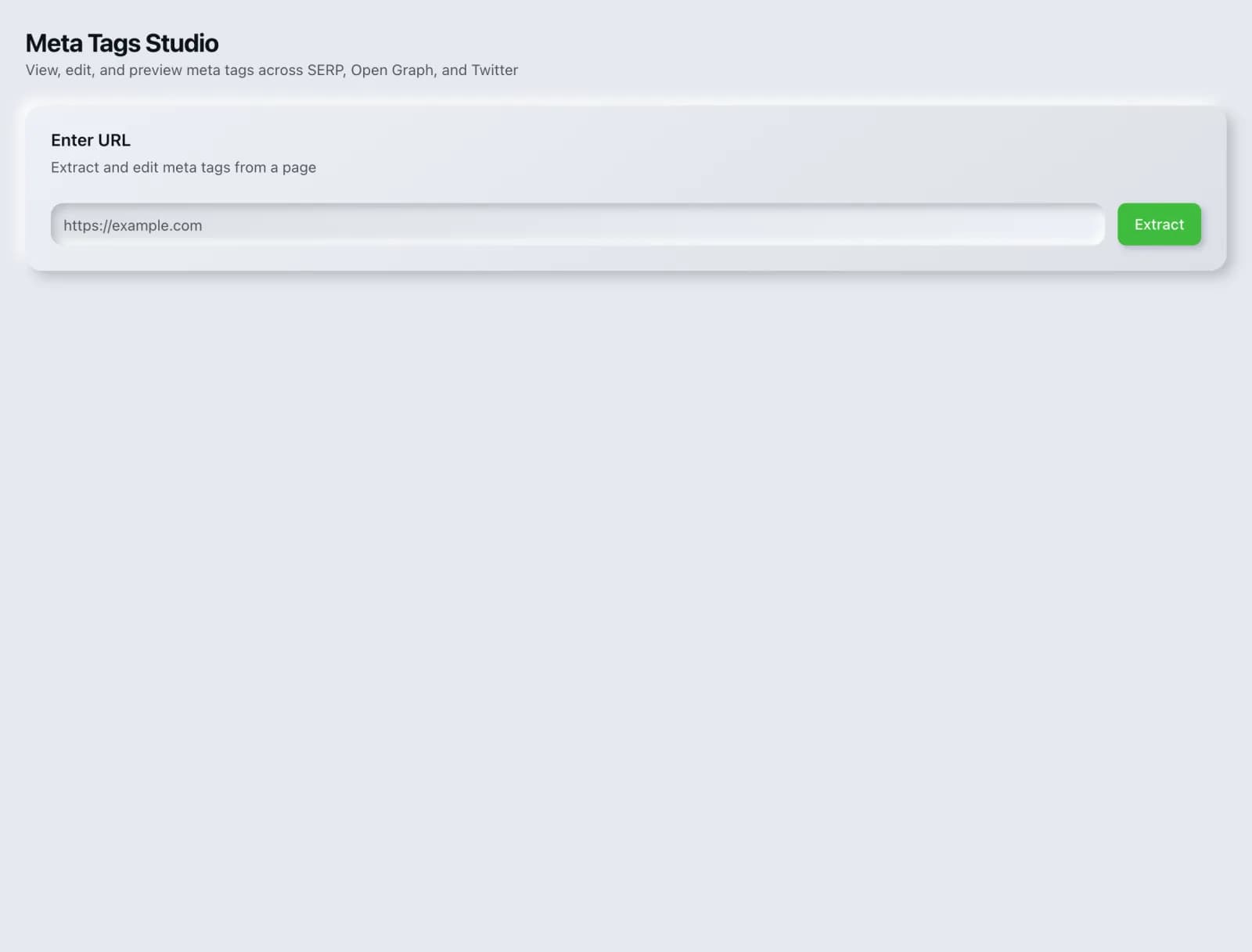
Meta Tags Studio is where you compose a page's title, meta description and social sharing tags together, with live previews and length guidance for each, so you can see how the page will present itself in search results and in a shared link before you publish. It is free on every plan.
How to use Meta Tags Studio
From signup to shipped fix, this is the whole loop.
- 1Create a free accountSign up in under a minute. No credit card is required, and your first site scan works without an account at all.
- 2Point Meta Tags Studio at your siteEnter the URL or domain you want to analyze. You can run it on your own site or on a competitor's.
- 3Let it pull the live dataMeta Tags Studio fetches the current state of the page or domain and runs its checks. Most runs finish in seconds.
- 4Read the ranked findingsResults come back ordered by impact rather than by count, so the issue costing you the most traffic is at the top, not buried under cosmetic warnings.
- 5Ship the fix, then re-runApply the recommended change, or let Roger AI draft it for you, then run the tool again to confirm the issue is resolved and track the improvement.
Why Meta Tags Studio matters
Meta tags are the packaging on everything you publish, and they are almost always written last, in a cramped CMS field, with no preview. The result is titles truncated mid-word, descriptions that repeat the title, and social cards that fall back to whatever image happened to be first on the page. All of it is visible to everyone except the person who wrote it.
Search is no longer only Google. ChatGPT, Google AI Overviews, Perplexity, Gemini and Claude answer a growing share of queries by reading the same pages crawlers do, then citing a handful of sources. SEO Roger keeps both audiences in view: the classic SERP and the AI answer, from one workspace.
Who it's for
- In-house SEOs who need on-page content and metadata without stitching three tools together
- Agencies and consultants producing client-ready findings, fast
- Founders and marketers who want the fix, not just the metric
Meta Tags Studio in depth
Writing the set together rather than separately
Title, description and social tags are usually edited in different places, which is why they so often contradict each other or repeat the same sentence three times. Composing them side by side lets each do a distinct job: the title earns the click in search, the description adds the reason, and the social tags handle a context where the image does most of the persuading.
Length guidance is about pixels, not characters
Search results truncate on rendered width, so a character count is only an approximation. A title in capitals runs out of room well before a lowercase title of identical length. The preview is the reliable check, and the character guidance is a way to get close before you look.
Social tags fail silently
When Open Graph tags are missing, nothing errors. The platform simply guesses, usually picking your logo or the first image it finds, and the result only becomes visible when someone shares the page and it looks wrong. Because there is no failure signal, these tags stay broken for years on sites that are otherwise well maintained.
Uniqueness is the requirement that gets skipped
Every page that matters needs its own title and description. Duplicates across a range tell search engines the pages are interchangeable, which is precisely wrong when each targets a different product, city or use case. On very large sites where hand-writing every description is impractical, leaving them off low-value pages is better than repeating one generic line everywhere.
Meta Tags Studio questions, answered
Does it cost credits?
No. Meta Tags Studio is free on every plan and runs in your browser.
Do meta descriptions affect rankings?
Not directly, and Google has been explicit about that. They affect click-through rate, which determines how much traffic a ranking actually delivers. A page ranking fourth with a compelling description can beat one ranking second with a dull one, so they are worth writing well for commercial reasons.
How long should a title be?
Roughly 50 to 60 characters gets you close, then check the preview, because pixel width is what decides truncation. Put the distinctive part first and the brand name last, since truncation cuts from the end.
Why does Google show a different description from mine?
Because it decided its own version matched the query better, which happens frequently. Google often extracts a passage from the page body containing the searcher's exact words. The reliable fix is to make sure the page itself answers the query clearly near the top.
What image size should social cards use?
1200 by 630 pixels is the widely supported standard and renders correctly across the major platforms. Text in the image should be large, since cards are frequently viewed at a fraction of full size on mobile.
How is this different from Meta Tag Placement?
This is for composing tags before publishing. Meta Tag Placement audits a live page to confirm the tags are actually present and valid, which is a different question: what you wrote and what the site rendered are not always the same thing.
Ready to try Meta Tags Studio?
Create a free account and run it in minutes, plus 55+ other SEO and AI-visibility tools in the same workspace.