
Log Analyzer
Understand crawl budget from server logs.
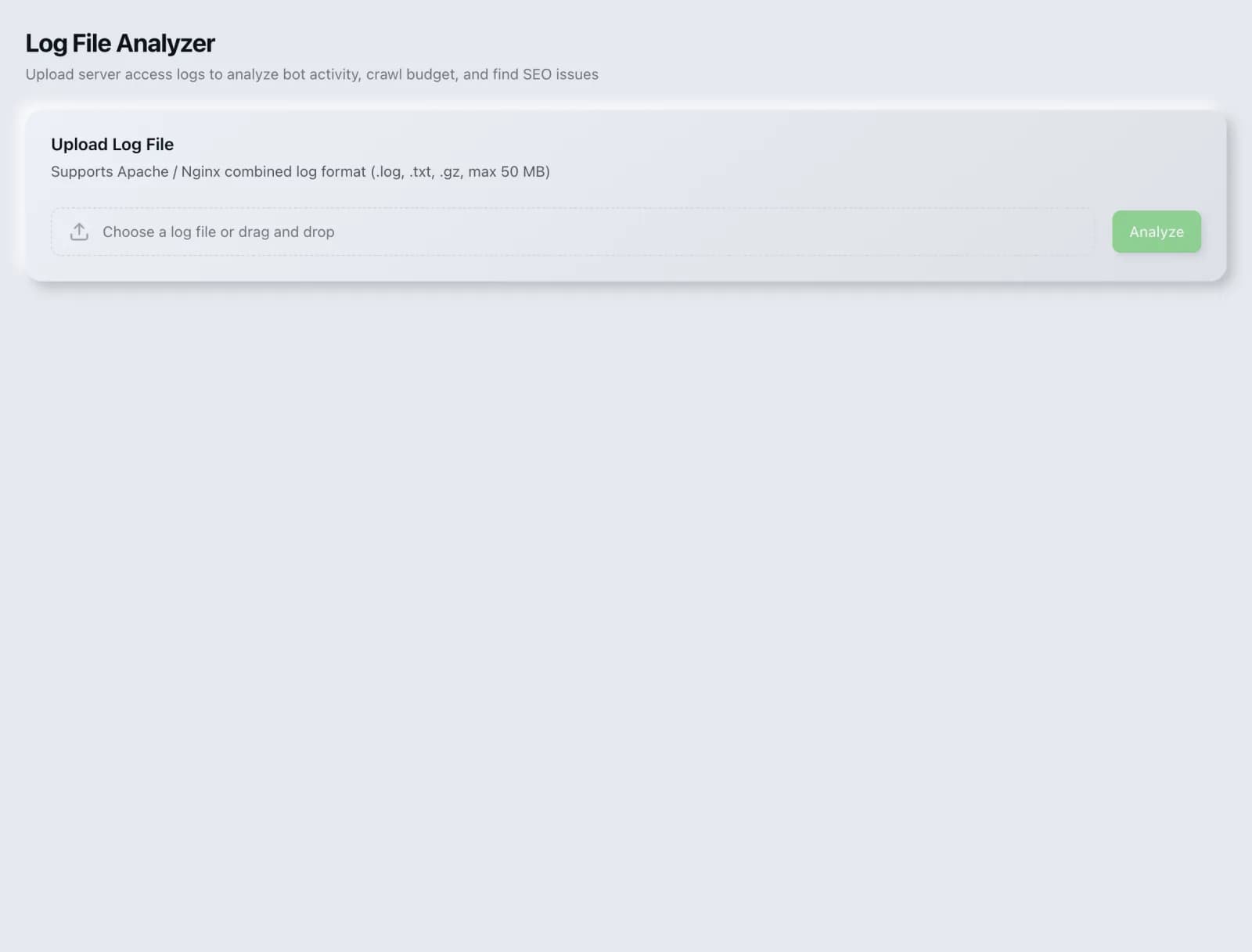
Upload server access logs to see how bots crawl your site, where crawl budget is wasted and which pages get ignored.
What you get
Everything Log Analyzer delivers, out of the box.
Bot activity breakdown
Crawl-budget insight
Status-code distribution
Free to use
How it works
From input to insight in three steps.
Enter your URL or keyword
Point Log Analyzer at any page, domain or search term, yours or a competitor's.
SEO Roger analyzes it
We run the analysis with our crawler and validators in seconds.
Get a prioritized report
Read a clear, ranked breakdown of exactly what to do next.
Related tools
More from Technical SEO.
What is Log Analyzer?
The Log Analyzer takes your server access logs and shows how search engine bots actually crawl your site: which pages they request, how often, where crawl budget is being spent on low-value URLs, and which important pages they rarely or never visit. It is free on every plan.
How to use Log Analyzer
From signup to shipped fix, this is the whole loop.
- 1Create a free accountSign up in under a minute. No credit card is required, and your first site scan works without an account at all.
- 2Point Log Analyzer at your siteEnter the URL or domain you want to analyze. You can run it on your own site or on a competitor's.
- 3Let it pull the live dataLog Analyzer fetches the current state of the page or domain and runs its checks. Most runs finish in seconds.
- 4Read the ranked findingsResults come back ordered by impact rather than by count, so the issue costing you the most traffic is at the top, not buried under cosmetic warnings.
- 5Ship the fix, then re-runApply the recommended change, or let Roger AI draft it for you, then run the tool again to confirm the issue is resolved and track the improvement.
Why Log Analyzer matters
Every other SEO tool infers crawler behaviour. Server logs record it. They are the only source that tells you what Googlebot genuinely requested rather than what you assume it found, and they routinely reveal that a large share of crawl activity is going to parameter URLs, filtered listings and other pages you never wanted crawled at all.
Search is no longer only Google. ChatGPT, Google AI Overviews, Perplexity, Gemini and Claude answer a growing share of queries by reading the same pages crawlers do, then citing a handful of sources. SEO Roger keeps both audiences in view: the classic SERP and the AI answer, from one workspace.
Who it's for
- In-house SEOs who need crawling, indexing and structured data without stitching three tools together
- Agencies and consultants producing client-ready findings, fast
- Founders and marketers who want the fix, not just the metric
Log Analyzer in depth
Crawl budget matters at scale, and not much below it
Worth being honest about: for a site with a few hundred pages, crawl budget is essentially a non-issue and Google will find everything. It becomes a real constraint on large sites, particularly ecommerce and listings sites where faceted navigation can generate effectively unlimited URLs. If your site is small, log analysis is interesting rather than urgent, and your time is better spent on content and links.
Where budget usually leaks
The classic pattern is faceted navigation: filter and sort parameters combining into millions of near-identical URLs, each one crawled, each one consuming budget that should be reaching your product pages. Other common sinks are internal search result pages, session identifiers in URLs, infinite calendar pagination, and long redirect chains that consume several requests to deliver one page.
Rarely crawled pages are the actionable finding
If an important page appears seldom or never in your logs, that is a concrete problem with a small set of causes: it is too deep in the structure, it has too few internal links, it is not in your sitemap, or it is blocked. All four are fixable, and until it is crawled regularly it cannot rank regardless of how good it is.
Verify the bot is really the bot
The user agent string is self-reported and trivially forged, so a meaningful share of traffic claiming to be Googlebot is not. Genuine Googlebot requests can be verified by reverse DNS lookup on the IP. This matters both for accurate analysis and for security, since fake crawler traffic is often scraping.
Log Analyzer questions, answered
Does it cost credits?
No. Log analysis is free on every plan.
Where do I get server logs?
From your hosting control panel, your server directly, or your CDN if it sits in front of everything. On managed platforms you may need to request them or enable logging first. If you use a CDN, its logs are usually more complete, since it sees requests that never reach your origin.
How much log data do I need?
At least a week to see a representative pattern, and ideally a month. A single day can be misleading, because crawl activity is uneven and one day may capture an unusual burst or a quiet period rather than normal behaviour.
Do I need to worry about crawl budget?
Probably not if you have under a few thousand pages. Google is generally able to crawl small sites completely. It becomes a genuine constraint on large sites, especially those with faceted navigation generating vast numbers of URL combinations. Below that scale, treat it as diagnostic curiosity rather than a priority.
What if bots are crawling pages I do not want crawled?
Block the patterns in robots.txt, which is exactly the case robots.txt handles well. Faceted parameters, internal search results and session URLs are the usual candidates. Confirm afterwards in the logs that the requests actually stopped, since rules often turn out to be narrower than intended.
Can I see how AI crawlers behave here too?
Yes, they appear in logs under their own user agents alongside search crawlers, which makes logs the most direct evidence of whether an AI crawler is genuinely fetching your content. For access policy specifically, the AI Crawler Matrix and Crawler Governance are the purpose-built tools.
Ready to try Log Analyzer?
Create a free account and run it in minutes, plus 55+ other SEO and AI-visibility tools in the same workspace.