
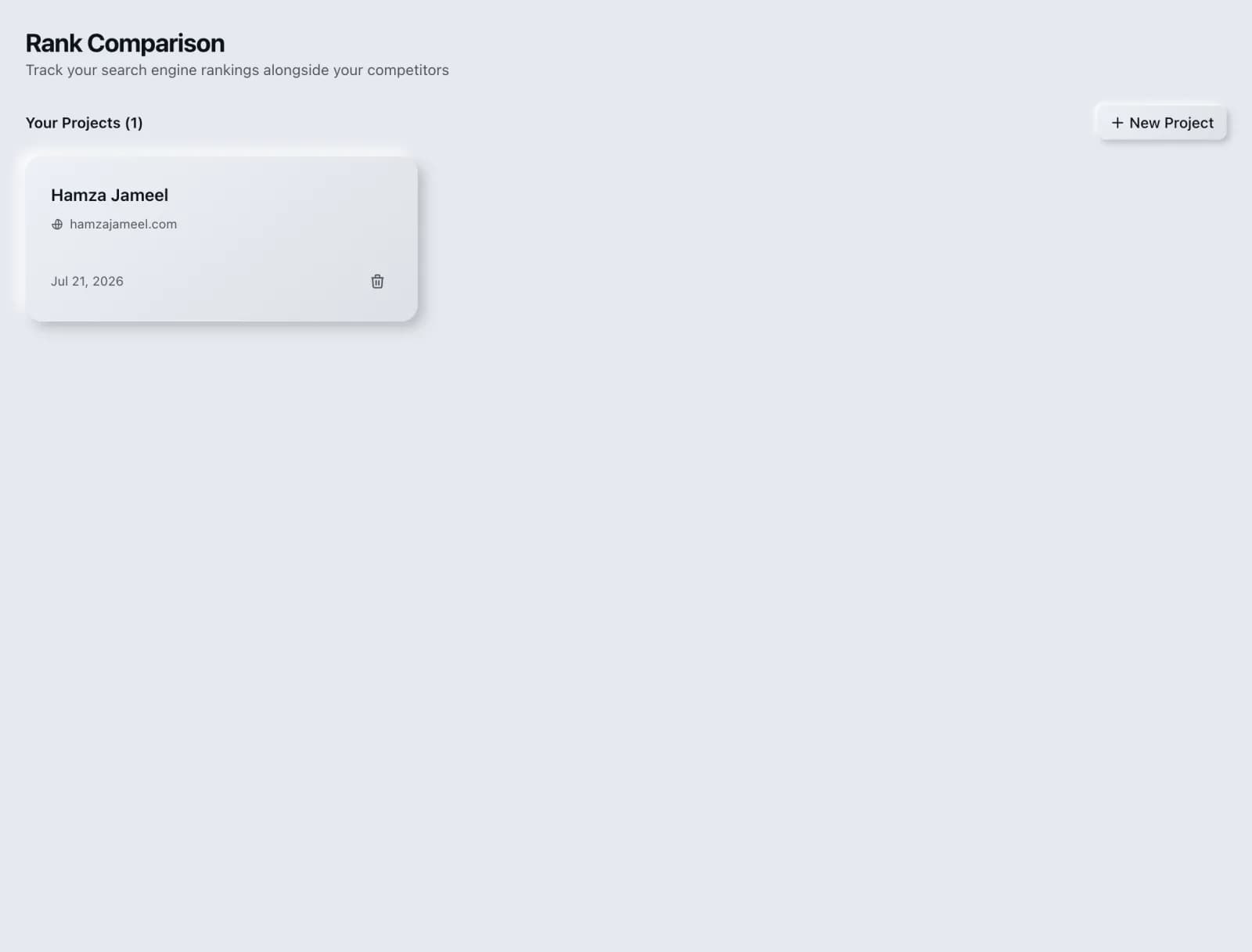
Rank Comparison
Compare rankings across keywords or projects.
Compare positions across sets of keywords or between projects to spot momentum and regressions.
What you get
Everything Rank Comparison delivers, out of the box.
Cross-keyword comparison
Project vs project
Movement highlighting
Export-ready
How it works
From input to insight in three steps.
Enter your URL or keyword
Point Rank Comparison at any page, domain or search term, yours or a competitor's.
SEO Roger analyzes it
We run the analysis with DataForSEO's live SERP data in seconds.
Get a prioritized report
Read a clear, ranked breakdown of exactly what to do next.
Related tools
More from Rankings & Keywords.
What is Rank Comparison?
Rank Comparison lines up positions across sets of keywords, or between two projects, so you can see momentum and regressions as a pattern rather than as a list of individual numbers. It is free on every plan.
How to use Rank Comparison
From signup to shipped fix, this is the whole loop.
- 1Create a free accountSign up in under a minute. No credit card is required, and your first site scan works without an account at all.
- 2Point Rank Comparison at your siteEnter the URL or domain you want to analyze. You can run it on your own site or on a competitor's.
- 3Let it pull the live dataRank Comparison fetches the current state of the page or domain and runs its checks. Most runs finish in seconds.
- 4Read the ranked findingsResults come back ordered by impact rather than by count, so the issue costing you the most traffic is at the top, not buried under cosmetic warnings.
- 5Ship the fix, then re-runApply the recommended change, or let Roger AI draft it for you, then run the tool again to confirm the issue is resolved and track the improvement.
Why Rank Comparison matters
Ranking data is only meaningful in comparison. One keyword at position nine tells you nothing; that keyword at nine while its five siblings sit in the top three tells you a specific page has a specific problem. Comparison is what turns a table of numbers into a diagnosis, and it is the step most reporting skips.
Search is no longer only Google. ChatGPT, Google AI Overviews, Perplexity, Gemini and Claude answer a growing share of queries by reading the same pages crawlers do, then citing a handful of sources. SEO Roger keeps both audiences in view: the classic SERP and the AI answer, from one workspace.
Who it's for
- In-house SEOs who need keyword rankings and search demand without stitching three tools together
- Agencies and consultants producing client-ready findings, fast
- Founders and marketers who want the fix, not just the metric
Rank Comparison in depth
Compare groups, not keywords
The useful unit is the cluster. Group your keywords by the page that targets them or the topic they cover, then compare the groups. When one cluster moves as a block, the cause is almost always at the page or template level and you know exactly where to look. When keywords inside a cluster diverge wildly, the cause is usually that they have different intents and one page is trying to serve all of them.
Comparing two projects
Project-level comparison is most valuable in two situations. If you manage several client sites, it shows which are gaining and which are stalling without opening each one. If you run a staging or migrated site alongside the original, it shows whether the new one is holding position, which is the single most important question during a migration and the one most often answered too late.
Separate real change from result-page change
A position can worsen without you losing anything, because the results page itself changed. When Google adds an AI overview, a featured snippet, a shopping block or an expanded People Also Ask section, every organic result moves down. Comparing a group of keywords helps here: if an entire cluster drops by a similar amount at the same time and your pages are unchanged, suspect the layout of the results before suspecting your site.
Use it after changes, not continuously
This is a diagnostic rather than a monitor. The natural moments to run it are after you have shipped something: a content rewrite, a template change, a migration, a batch of internal links. Comparing the affected cluster before and after tells you whether the work landed, which is a question most teams never actually close the loop on.
Rank Comparison questions, answered
Does it cost credits?
No. Rank Comparison is free on every plan because it reads ranking data you have already collected rather than fetching anything new. The checks that gathered that data are what carry a cost, through Rank Tracker.
Do I need tracked keywords first?
Yes. This tool compares history, so it needs history to compare. Set up keywords in Rank Tracker and let a few checks accumulate before this becomes informative.
How is this different from Position Tracking?
Position Tracking answers how the whole set is trending over time, through visibility and movers. Rank Comparison answers how one set stands against another, whether that is two clusters or two projects. One is about direction, the other is about relative standing.
My whole cluster dropped at once. What does that mean?
Usually one of three things. The page serving that cluster has a technical problem such as an accidental noindex, a broken canonical or a redirect. The results page gained a new feature that pushed organic results down. Or a competitor published something that comprehensively beats your page. Check them in that order, since the first is self-inflicted and the fastest to fix.
Can I compare against competitor rankings?
This tool compares your own keyword sets and projects. For competitive ranking comparison, Keyword Gap shows what competitors rank for that you do not, and Competitor Comparison puts the domains side by side on authority, keywords and traffic.
How long should I wait before comparing after a change?
At least two weeks, and longer for competitive terms. Google needs to recrawl and reassess, and early movement is often reversion rather than result. Comparing after three days usually produces a conclusion you will contradict a fortnight later.
Ready to try Rank Comparison?
Create a free account and run it in minutes, plus 55+ other SEO and AI-visibility tools in the same workspace.