
Social Markup
Build Open Graph & Twitter cards.
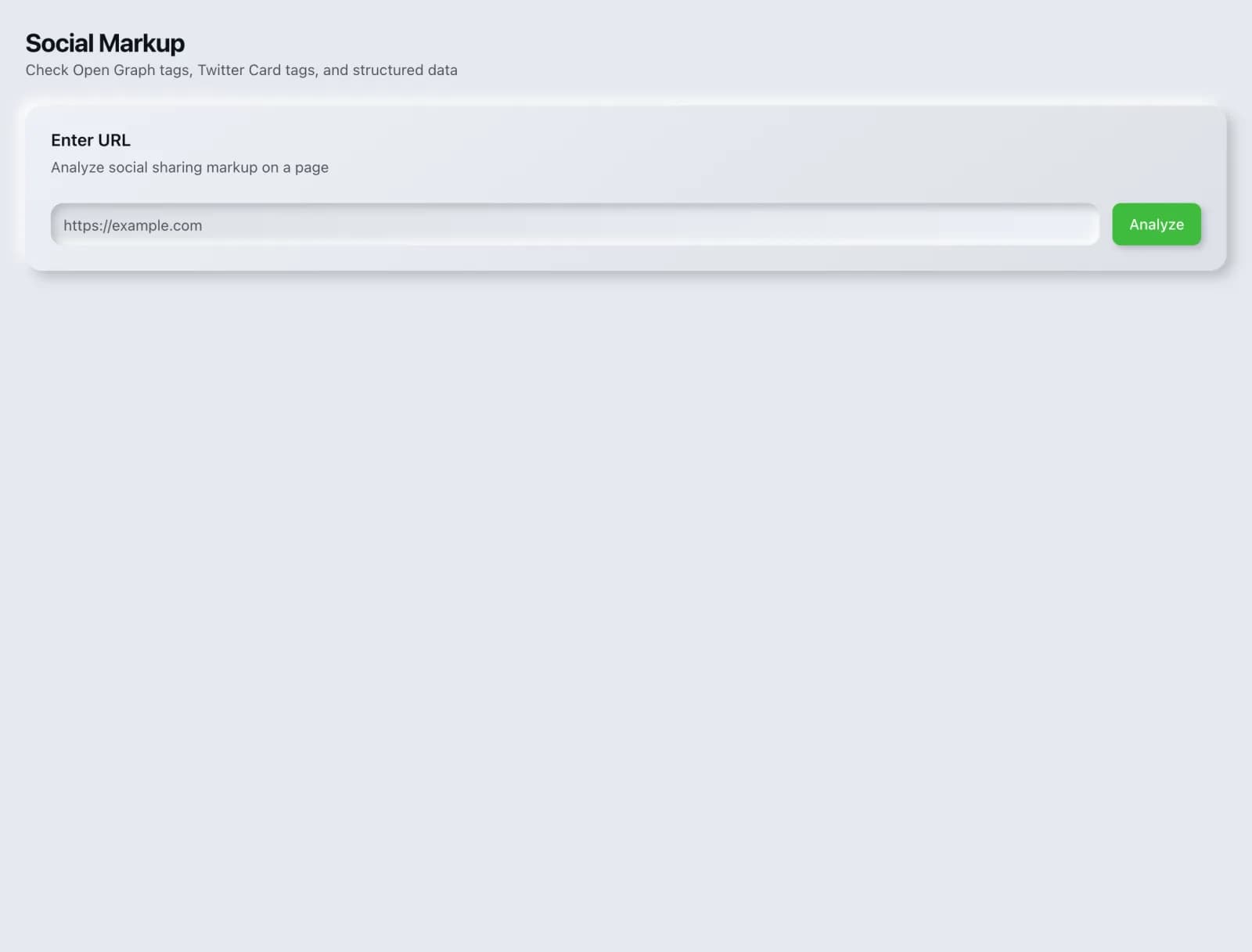
Generate Open Graph and Twitter Card tags with a live preview of how your link will look when shared.
What you get
Everything Social Markup delivers, out of the box.
OG & Twitter tags
Live share preview
Copy-paste output
Free to use
How it works
From input to insight in three steps.
Enter your URL or keyword
Point Social Markup at any page, domain or search term, yours or a competitor's.
SEO Roger analyzes it
We run the analysis with our on-page analyzer in seconds.
Get a prioritized report
Read a clear, ranked breakdown of exactly what to do next.
Related tools
More from Content & On-Page.
What is Social Markup?
Social Markup generates Open Graph and Twitter Card tags and previews how your link will appear when shared, so the title, description and image are what you chose rather than whatever the platform guessed. It is free on every plan.
How to use Social Markup
From signup to shipped fix, this is the whole loop.
- 1Create a free accountSign up in under a minute. No credit card is required, and your first site scan works without an account at all.
- 2Point Social Markup at your siteEnter the URL or domain you want to analyze. You can run it on your own site or on a competitor's.
- 3Let it pull the live dataSocial Markup fetches the current state of the page or domain and runs its checks. Most runs finish in seconds.
- 4Read the ranked findingsResults come back ordered by impact rather than by count, so the issue costing you the most traffic is at the top, not buried under cosmetic warnings.
- 5Ship the fix, then re-runApply the recommended change, or let Roger AI draft it for you, then run the tool again to confirm the issue is resolved and track the improvement.
Why Social Markup matters
A shared link is a small advert that you either designed or did not. Without these tags, platforms improvise: they grab whatever image comes first, which is often a logo or an icon, and truncate a description from the page body. Because nothing errors when the tags are missing, the problem persists indefinitely on sites that are otherwise carefully maintained.
Search is no longer only Google. ChatGPT, Google AI Overviews, Perplexity, Gemini and Claude answer a growing share of queries by reading the same pages crawlers do, then citing a handful of sources. SEO Roger keeps both audiences in view: the classic SERP and the AI answer, from one workspace.
Who it's for
- In-house SEOs who need on-page content and metadata without stitching three tools together
- Agencies and consultants producing client-ready findings, fast
- Founders and marketers who want the fix, not just the metric
Social Markup in depth
The image does most of the work
In a feed, the image occupies far more attention than the text beside it. A card with a relevant, legible image gets clicked substantially more than one with a generic logo or no image at all. If you only fix one thing here, set a deliberate image per page rather than relying on a sitewide default.
Open Graph covers more than one platform
Open Graph originated with Facebook but is now read by a wide range of platforms, including messaging apps and Slack, which is where a great many links are actually shared in practice. Twitter Card tags add specific control for that platform and fall back to Open Graph when absent, so Open Graph is the higher priority if you are only doing one.
Platforms cache aggressively
This causes most of the confusion around social tags. Once a platform has fetched your page, it holds the result, so fixing your tags does not change how an already-shared link appears. The major platforms provide debugging tools that force a refresh, and using one after a change is the only reliable way to see the corrected card.
Social titles can differ from search titles
They are separate fields and they serve different contexts, which is worth exploiting. A search title works hard to match a query. A social title works on someone scrolling with no search intent at all, where curiosity and clarity matter more than keyword match. Writing them differently, when the page warrants it, is a small edge most sites leave unused.
Social Markup questions, answered
Does it cost credits?
No. Social Markup is free on every plan.
What image size should I use?
1200 by 630 pixels is the widely supported standard and works across the major platforms. Keep any text in the image large, since cards are often viewed small on mobile.
Do social tags affect SEO?
Not directly. They control how links appear when shared, which affects click-through and engagement on social platforms rather than search rankings. The benefit is real but it is a traffic benefit, not a ranking one.
I fixed my tags but the old preview still shows. Why?
Platform caching. Once a platform has scraped your URL it keeps that version. Use the platform's own sharing debugger to force a refresh, which is the only way to update an already-cached card.
Do I need both Open Graph and Twitter Card tags?
Open Graph is the priority, since it is read by the widest range of platforms. Twitter Card tags add specific control and fall back to Open Graph when missing, so adding them is a refinement rather than a requirement.
Can different pages have different social images?
Yes, and they should. A per-page image relevant to that content performs far better than one sitewide default, which is the most common setup and the least effective.
Ready to try Social Markup?
Create a free account and run it in minutes, plus 55+ other SEO and AI-visibility tools in the same workspace.