
Thin Content Finder
Find pages with too little content.
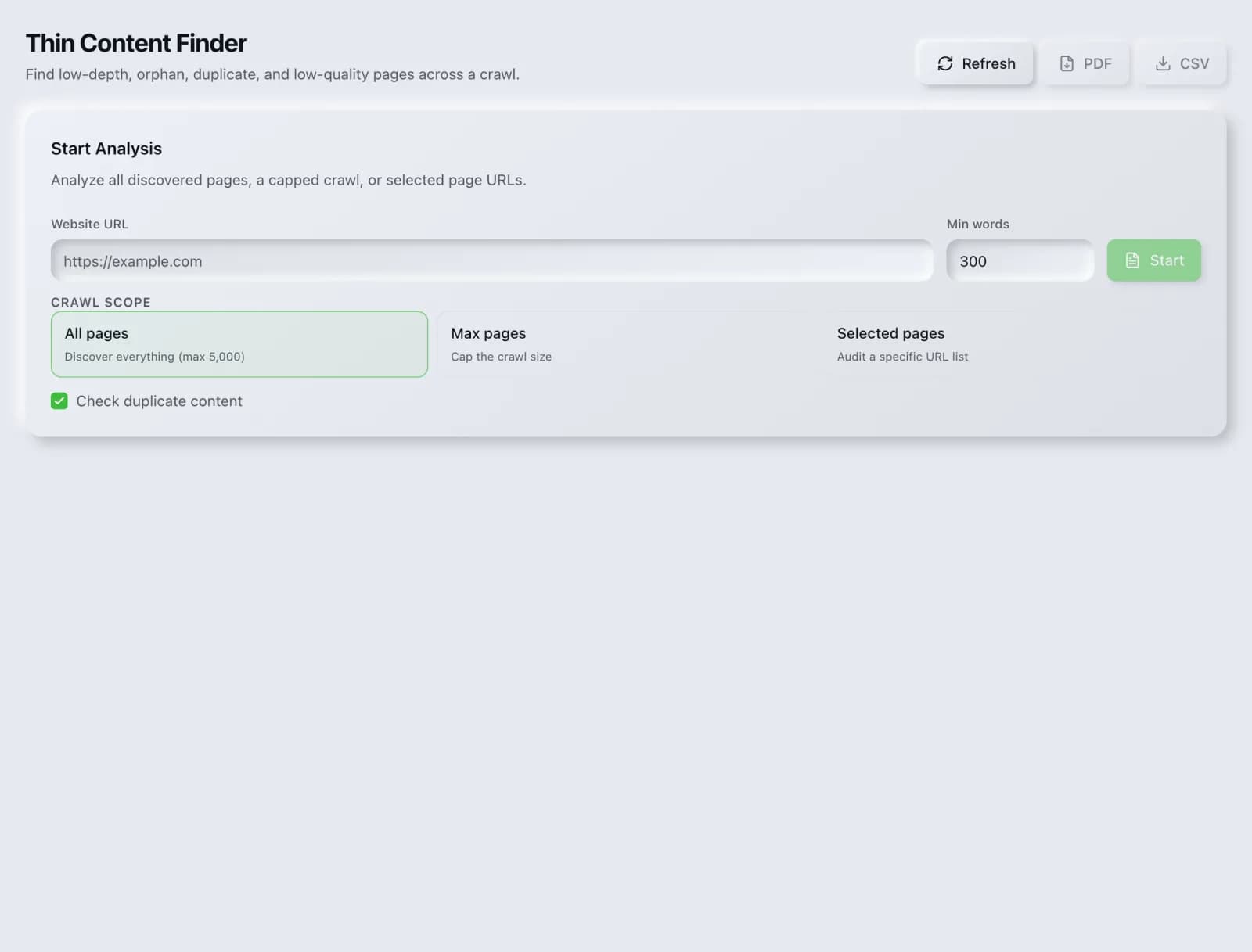
Identify thin or low-value pages that dilute your site's quality signals and could be merged, improved or pruned.
What you get
Everything Thin Content Finder delivers, out of the box.
Word-count thresholds
Thin-page list
Consolidation guidance
Free to run
How it works
From input to insight in three steps.
Enter your URL or keyword
Point Thin Content Finder at any page, domain or search term, yours or a competitor's.
SEO Roger analyzes it
We run the analysis with our crawler and validators in seconds.
Get a prioritized report
Read a clear, ranked breakdown of exactly what to do next.
Related tools
More from Technical SEO.
What is Thin Content Finder?
The Thin Content Finder crawls your site and identifies pages with too little substantive content to justify their existence: near-empty pages, boilerplate variations and stubs that dilute your site's overall quality signals. It is free on every plan.
How to use Thin Content Finder
From signup to shipped fix, this is the whole loop.
- 1Create a free accountSign up in under a minute. No credit card is required, and your first site scan works without an account at all.
- 2Point Thin Content Finder at your siteEnter the URL or domain you want to analyze. You can run it on your own site or on a competitor's.
- 3Let it pull the live dataThin Content Finder fetches the current state of the page or domain and runs its checks. Most runs finish in seconds.
- 4Read the ranked findingsResults come back ordered by impact rather than by count, so the issue costing you the most traffic is at the top, not buried under cosmetic warnings.
- 5Ship the fix, then re-runApply the recommended change, or let Roger AI draft it for you, then run the tool again to confirm the issue is resolved and track the improvement.
Why Thin Content Finder matters
Search engines assess sites as a whole, not only page by page. A large volume of low-value pages can weigh on how the whole domain is judged, which means thin pages are not merely neutral dead weight but can actively hold back the pages you care about. Finding them is the first step to deciding what to merge, improve or remove.
Search is no longer only Google. ChatGPT, Google AI Overviews, Perplexity, Gemini and Claude answer a growing share of queries by reading the same pages crawlers do, then citing a handful of sources. SEO Roger keeps both audiences in view: the classic SERP and the AI answer, from one workspace.
Who it's for
- In-house SEOs who need crawling, indexing and structured data without stitching three tools together
- Agencies and consultants producing client-ready findings, fast
- Founders and marketers who want the fix, not just the metric
Thin Content Finder in depth
Thin is about value, not word count
The most common misreading is treating this as a length metric. A concise page that fully answers a specific question is not thin, and a two-thousand-word page that says nothing useful is. Word count is a proxy the tool uses to find candidates, not a verdict. Every flagged page needs a human judgment about whether it does a job for a reader.
Where thin pages come from
They are rarely written deliberately. They accumulate from tag and category archives with one item in them, paginated listings, auto-generated location or product variant pages differing only by a swapped word, abandoned drafts left public, and old announcements that made sense once. Recognizing the source usually tells you the fix, because they arrive in classes rather than individually.
Merge, improve, or remove
Three outcomes cover almost every case. Merge when several thin pages address facets of one topic, consolidating into a single strong page and redirecting the others. Improve when the page targets something genuinely valuable and simply was never finished. Remove when it serves nobody, using a 410 or a redirect to the closest equivalent. Doing nothing is the option that quietly costs you.
Do not mass-delete
It is tempting to bulk-remove everything flagged, and that is how sites lose traffic they did not know they had. Check each candidate against actual data first: pages with impressions, inbound links or conversions are earning something regardless of length. Deletion is the right call for genuinely valueless pages, and an expensive mistake for quiet performers.
Thin Content Finder questions, answered
Does it cost credits?
No. The Thin Content Finder is free on every plan.
How many words count as thin?
There is no threshold, and treating any number as one produces bad decisions. A three-hundred-word page that answers a precise question completely is fine. The test is whether the page does something useful for a reader that no other page on your site already does.
Should I delete every thin page?
No. Check performance data first. A short page that ranks, earns links or converts is doing its job. Merge related thin pages into stronger ones, finish the ones targeting something worthwhile, and remove only what genuinely serves nobody.
Do tag and category archives count as thin?
Often, particularly archives containing one or two items. The usual fix is not deletion but restraint: fewer, broader categories with substantial content in each, and noindex on archive types that exist for navigation rather than for search.
Does thin content directly cause a penalty?
Not usually a manual penalty. The more common outcome is algorithmic: a site with many low-value pages is assessed less favourably overall, which affects the pages you do care about. It is a drag on the whole domain rather than a discrete punishment.
What about pages that are meant to be short?
Contact pages, pricing pages and similar functional pages are legitimately short and should not be padded. They exist for a clear purpose and users find them useful, which is the standard being applied. Ignore those flags.
Ready to try Thin Content Finder?
Create a free account and run it in minutes, plus 55+ other SEO and AI-visibility tools in the same workspace.