
WordPress Remediation
Fix WordPress SEO with one click.
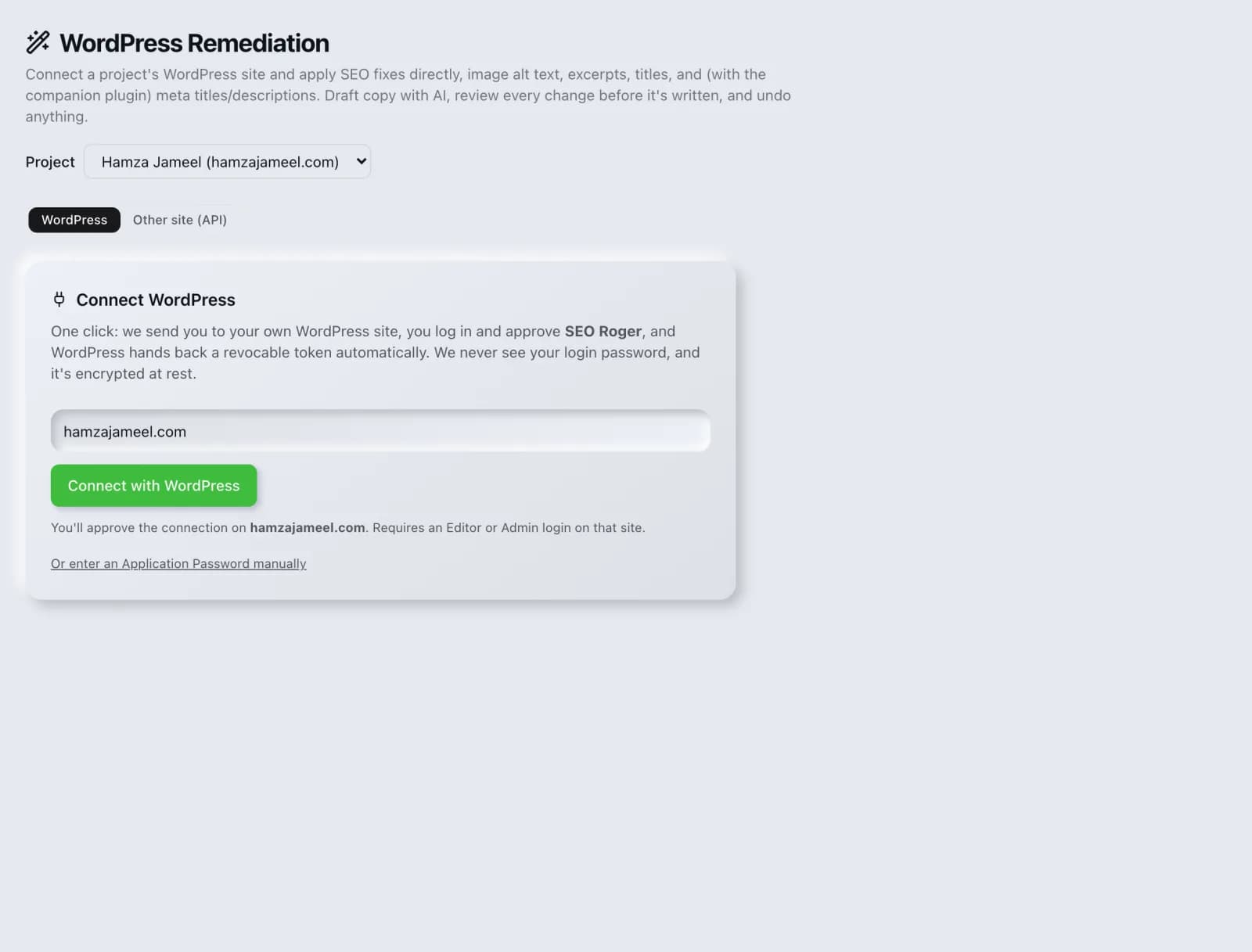
Connect your WordPress site and apply SEO fixes for meta tags, redirects, schema and noindex issues directly, with one-click undo.
What you get
Everything WordPress Remediation delivers, out of the box.
Connect & scan WordPress
One-click fixes with undo
AI-drafted meta & schema
Scheduled monitoring
How it works
From input to insight in three steps.
Enter your URL or keyword
Point WordPress Remediation at any page, domain or search term, yours or a competitor's.
SEO Roger analyzes it
We run the analysis with our crawler and validators in seconds.
Get a prioritized report
Read a clear, ranked breakdown of exactly what to do next.
Related tools
More from Technical SEO.
What is WordPress Remediation?
WordPress Remediation connects to your WordPress site, scans it for SEO problems and applies the fixes directly: meta tags, redirects, schema and accidental noindex settings, each with one-click undo. It is free on every plan and uses a companion plugin for the changes that require it.
How to use WordPress Remediation
From signup to shipped fix, this is the whole loop.
- 1Create a free accountSign up in under a minute. No credit card is required, and your first site scan works without an account at all.
- 2Point WordPress Remediation at your siteEnter the URL or domain you want to analyze. You can run it on your own site or on a competitor's.
- 3Let it pull the live dataWordPress Remediation fetches the current state of the page or domain and runs its checks. Most runs finish in seconds.
- 4Read the ranked findingsResults come back ordered by impact rather than by count, so the issue costing you the most traffic is at the top, not buried under cosmetic warnings.
- 5Ship the fix, then re-runApply the recommended change, or let Roger AI draft it for you, then run the tool again to confirm the issue is resolved and track the improvement.
Why WordPress Remediation matters
The gap between knowing what to fix and having it fixed is where most SEO work dies. An audit produces a list, the list goes to a developer queue, and three months later half of it is still pending. Applying changes directly closes that gap for the substantial share of the web running on WordPress, which turns a report into a completed task.
Search is no longer only Google. ChatGPT, Google AI Overviews, Perplexity, Gemini and Claude answer a growing share of queries by reading the same pages crawlers do, then citing a handful of sources. SEO Roger keeps both audiences in view: the classic SERP and the AI answer, from one workspace.
Who it's for
- In-house SEOs who need crawling, indexing and structured data without stitching three tools together
- Agencies and consultants producing client-ready findings, fast
- Founders and marketers who want the fix, not just the metric
WordPress Remediation in depth
Undo is what makes direct changes reasonable
Automated changes to a live site are only acceptable if they are reversible. Every change here is recorded and individually revertible, which changes the risk calculation entirely: you can apply a fix, look at the result, and reverse it in a click if it is not what you wanted. Without that, the sensible advice would be to stage everything first.
The noindex warning deserves special attention
The single most damaging WordPress setting is the discourage search engines checkbox, which adds a sitewide noindex. It is enabled by default during development and forgotten at launch with remarkable frequency, and the symptom is a site that simply never appears in search while looking completely healthy. It is flagged loudly here because the cost of missing it is total and the fix is one click.
Redirects and schema without touching code
Redirect management and structured data are the two jobs most likely to require a developer or yet another plugin. Handling them here means a content person can fix a broken URL after a slug change, or add Organization and Article schema, without a deployment. These are also the changes most likely to be done incorrectly by hand, so generating them removes a class of error.
Bulk work and scheduled monitoring
Most WordPress SEO problems are systemic rather than individual: an entire post type missing meta descriptions, a whole category with the wrong canonical. Applying fixes in bulk matches the shape of the problem. Scheduled monitoring then catches regressions, which matter on WordPress because plugin updates and theme changes routinely reintroduce issues you already fixed.
WordPress Remediation questions, answered
Does it cost credits?
No. WordPress Remediation is free on every plan.
Do I need to install anything?
Yes, a companion plugin, because some changes such as writing meta tags require the ability to act inside WordPress itself. It is what allows fixes to be applied and reversed safely rather than only reported.
Is it safe to apply changes to a live site?
Every change is recorded and individually reversible with one click, which is the main safeguard. As with any tool that writes to a live site, taking a backup before a large bulk operation is sensible practice, and reviewing the first few changes before applying more is worth the minute it takes.
Will it conflict with Yoast, Rank Math or a similar plugin?
It handles that for you. While Rank Math or Yoast is active, the companion plugin defers to them automatically and stays out of the way, then takes over the moment you deactivate the other one, so two systems never fight over the same meta tags. There is also a one-click importer for both, so your existing titles and descriptions carry over rather than being rewritten.
What is the most common issue it finds?
Missing or duplicated meta descriptions across a post type, followed closely by the sitewide noindex setting left enabled from development. The second is far rarer and far more damaging when present.
Can I undo everything at once?
Changes are reversible individually, which gives you precise control over what to keep and what to roll back rather than an all-or-nothing switch. Each applied fix carries its own undo.
Ready to try WordPress Remediation?
Create a free account and run it in minutes, plus 55+ other SEO and AI-visibility tools in the same workspace.